The default MCP pilot still looks like this: someone wires GitHub with write scopes, points a database connector at staging “for now,” maybe adds a deploy helper, and demos a PR opened by the model. Leadership smiles. Security asks one question — what can it mutate? — and the pilot freezes.
That is the wrong first week.
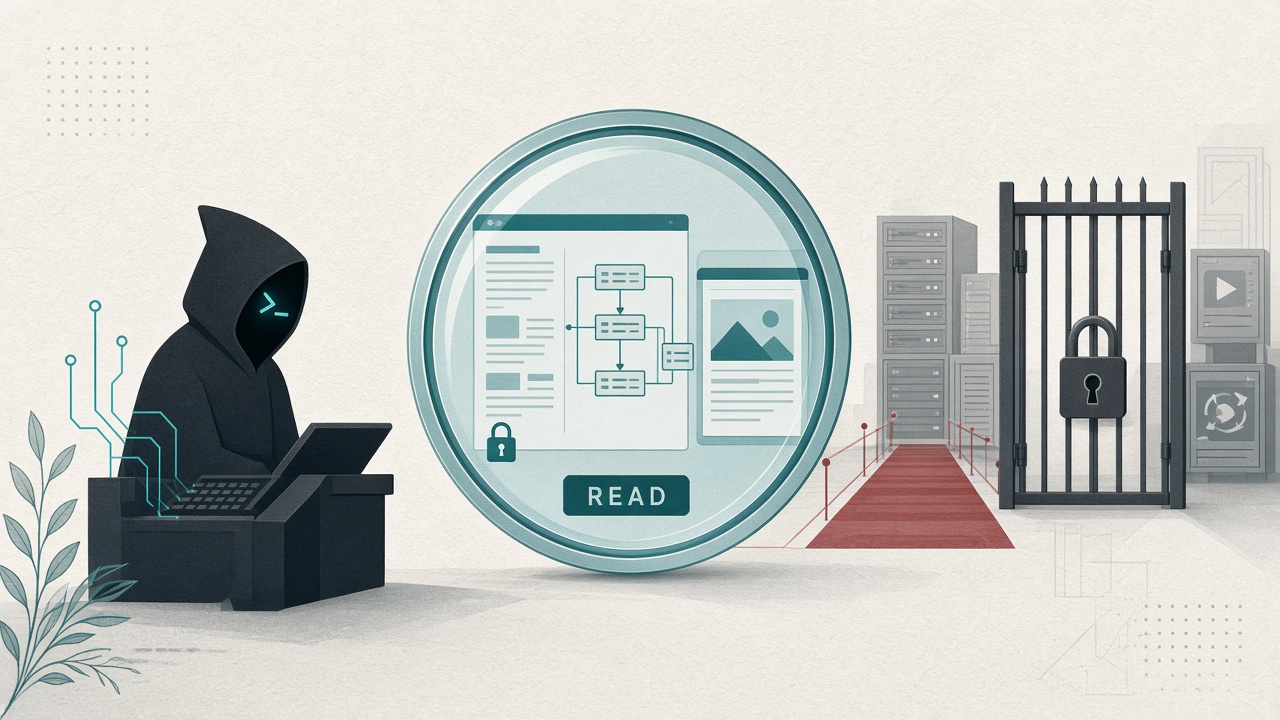
Eyes before hands. Give the agent a way to search, read docs, inspect schemas, and capture what it sees on screen before you hand it anything that creates issues, runs migrations, or touches production. Read-only MCP is not a training wheel. It is the stack that survives the first security review.
Why write-first pilots die
Write tools feel like progress because the demo is dramatic. They also concentrate every governance failure into one afternoon:
- Personal PATs land in shared
.cursor/mcp.json - Staging credentials quietly point at something closer to prod
- Nobody owns the blast radius when the model retries a side effect
- Security meets MCP as a mutation surface, not as a research assistant
We already argued for policy before plugins and a seven-question audit. This post is the concrete starter kit that makes those rules easy to obey: a Class A / read-only perimeter that still makes the agent useful on Monday.
Influzer’s registry now sits around 11,000 MCP servers, with only a few hundred exposing indexed tools. Abundance is not the bottleneck. Sequencing is.
What “eyes” means in MCP terms
Eyes are tools that change the agent’s context without changing your systems:
| Job | What the agent gets | What it must not get |
|---|---|---|
| Discover | Search MCP servers by capability | Install / connect authority |
| Read docs | Library and API references in-thread | Repo write, secret exfil paths |
| See the UI | Screenshots / page captures | Click, submit, purchase, delete |
| Inspect data | Schema + read-only queries on a replica or sanitized DB | INSERT / UPDATE / DROP / prod primary |
| Read code context | Repo-scoped filesystem or GitHub read | Force-push, merge, release |
If a tool can create, update, delete, charge, message customers, or grant access, it is a hand. Hands come later, with a named owner, on the allowlist.
The read-only starter stack (ship this week)
Keep it small. Five slots is plenty. Pin them in project config so the team shares one perimeter — see .cursor/mcp.json as team policy.
- Influzer MCP Discovery (search, not install). Remote URL
https://www.influzer.ai/mcp/discovery. The agent can ask “what scrapes URLs to markdown?” and get a shortlist with setup metadata. It cannot connect anything. Setup: /mcp/discovery/setup. Why it exists: Discovery as App Store search. - Docs lookup (Context7 or your internal docs MCP). Library versions and API truth in-thread beat hallucinated SDK calls. Prefer servers with a real indexed tool list on the Top 100.
- Screenshot / page capture MCP. This week’s ecosystem is full of “give the agent eyes” write-ups for a reason: coding agents debug UIs faster when they can see the rendered page. Keep the tool surface to capture / screenshot. Defer browser act tools until you have an allowlist row for them.
- Database read path — replica or read role only. A Postgres/MySQL/Supabase MCP is fine in week one if the credential cannot write. Use a read-only DB user, a replica, or a sanitized snapshot. “We’ll lock it down later” is how later never happens.
- Repo-scoped read. Filesystem limited to the workspace, or GitHub with read-only scopes. Enough for the agent to cite real files. Not enough to open PRs in random repos.
That stack answers real Monday questions — what server do we use for X, what does this API take, what does the page look like, what rows exist, where is this implemented — without asking security for a write exception.
How to tell a read-only server from demoware
Read-only is not the same as empty. Run the same 30-second filter we use for the catalog in most MCP servers are still demoware:
- Transport matches the client. Remote HTTPS for Claude/ChatGPT; stdio/local for Cursor secrets that must not leave the laptop.
- Indexed tools exist. Pull
tools/list. If the surface is empty or a dump of undocumented endpoints, skip it. - Names tell the truth.
query,describe_table,get_screenshot,search_docsare eyes.execute,run_sql,apply_migration,create_issueare hands unless the server hard-blocks writes. - Auth is scoped. Read role, not owner PAT. No secrets in MCP headers — see don’t put secrets in MCP headers.
- It is on your allowlist. Discovery finds candidates. Humans still approve the slot.
When you review a hosted candidate, handshake the live endpoint. A pretty docs URL is not the MCP URL — we see that mix-up weekly on submissions. A 401 on tools/list usually means OAuth is alive, not that the server is dead.
When to add the first hand
Add one write tool only when all of these are true:
- The read-only stack is already in daily use (not a slide deck)
- The write tool has a single job (draft PR, create staging ticket) — not “GitHub full access”
- A named human owns incidents
- The allowlist row exists in git before the config lands
- Default deny remains for everything else
Good first hands: draft pull requests in one repo, create issues in a sandbox project, open a staging feature flag. Bad first hands: production migrations, customer email, refunds, IAM changes.
Map the promotion to decision classes in tool access as an operating control. Eyes are Class A. Most hands are Class C until proven otherwise.
A 90-minute rollout
- 0–15 min — Connect Discovery. Ask the agent for a browser-automation or docs MCP shortlist. Do not install yet.
- 15–40 min — Add docs + screenshot servers from the shortlist. Confirm
tools/listis read-shaped. - 40–70 min — Stand up a DB read role or replica credential. Point the DB MCP only at that. Run
SELECTsmoke tests. Attempt a write and confirm it fails. - 70–90 min — Commit the five-server config + allowlist table. PR review required for any new write tool. Announce in Slack: personal write MCPs stay off shared repos.
That is a shippable pilot. It is also a story security can approve without inventing a new policy framework.
Quick answers
Isn’t read-only just a weaker agent?
No. Most of the time loss in coding agents is context, not missing delete permissions. Eyes cut that loss. Hands add risk.
Can Discovery replace our internal catalog?
Use it to search the public ecosystem. Keep your allowlist internal. Search ≠ install.
What if our DB MCP cannot disable writes?
Then the credential must. A read-only role is the control plane when the server is clumsy.
Where do we find candidates with real tools?
Top 100, then Discovery, then the demoware filter. Submit gaps at /mcp/submit.
Related reading
- Policy before plugins
- Most MCP servers are still demoware
- Discovery MCP is the new App Store search
- .cursor/mcp.json is becoming team policy
- Scan skills with SkillSpector — don’t badge MCP “safe”
Final thought
An agent that can see your system is already valuable. An agent that can change it without a named owner is an incident with a friendly Connect button.
Eyes before hands. Ship the read-only stack this week. Put writes on the allowlist when the team is already using the eyes every day.
Start with Discovery. Build from the Top 100. And when someone asks for production write access on day two, ask them what the agent still cannot see — then fix that first.
One clear email each Thursday
Actionable frameworks on AI execution, agents, and MCP.
Leave a comment
Be the first to share your thoughts.