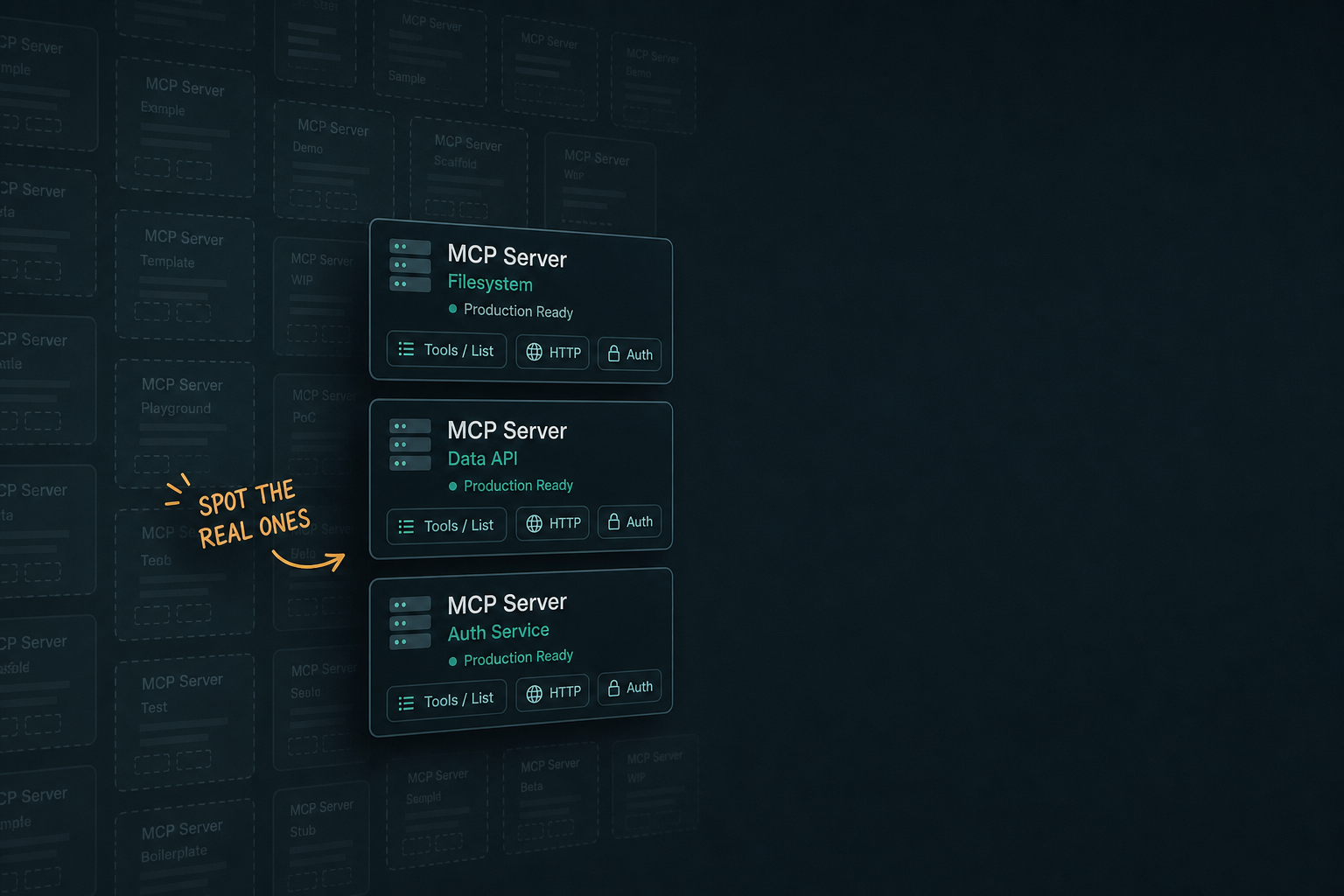
Open any MCP directory and the vibe is abundance. Thousands of listings. Stars. Screenshots. “Works with Claude / Cursor / ChatGPT.”
Then you connect one in a real agent workflow and discover the truth: most MCP servers are still demoware — a README, a local stdio hello-world, maybe one vague tool, and no path to governed production use.
That is not a dunk on builders. Early ecosystems look like this. It is a problem if your team treats “found on a list” as “approved for agents that can write to GitHub, CRM, or finance.”
Here is the operator filter I use. Thirty seconds per candidate. Pass → shortlist. Fail → skip without guilt.
The catalog math (why this matters now)
As of mid-August 2026, Influzer’s registry sits around ~6,000 MCP servers. After daily tools/list validation on live endpoints, only about ~400 (~7%) have indexed tools at all. Roughly ~200 expose five or more tools — the range where an agent can actually do a job, not a demo.
Stars do not fix that gap. Agents call capabilities. Empty or mysterious tool surfaces fail at runtime no matter how viral the repo is. We covered the signal hierarchy earlier: tools indexed beats star count.
Discovery is solved. Curation is the job.
The 30-second production-ready filter
Open the server’s Influzer detail page (or run Discovery from the agent). Score these four checks. You need a clear yes on each before it enters a team mcp.json.
1) Transport — can your client actually reach it?
- Pass: transport labeled (
stdioorhttp), and it matches your lane — laptop secrets vs Claude/ChatGPT remote connectors - Fail: transport unknown, “clone and figure it out,” or remote claimed but no public HTTPS endpoint
Remote chat connectors cannot hit localhost. Local Cursor stdio cannot be your org-wide auth story. Treat them as different products — see remote vs local.
2) Tools — does tools/list show a real job?
- Pass: named tools with verbs you recognize (
create_issue,run_query,scrape_url), descriptions a model can select on, preferably several coherent tools for one capability - Fail: zero indexed tools, one toy
hello/echo, or a wall of undocumented dump endpoints
If you cannot explain the tool surface in one sentence, the agent cannot either.
3) Auth — whose identity, and can you revoke it?
- Pass: documented auth (none for read-only public, OAuth, API key in env, or IdP-managed connector) with an offboarding story
- Fail: “paste a PAT into the config,” shared personal tokens, or no mention of credentials at all for a write-capable server
Paste-a-key is fine for a weekend hack. It is not an operating control. Pair this with tool access as an operating control and enterprise-managed MCP auth.
4) Docs / setup — can a second engineer install it without Slack archaeology?
- Pass: copy-paste setup for at least one major client, clear env vars, link to real docs, last update that is not fossilized
- Fail: README that stops at architecture diagrams, broken install commands, or “coming soon” for the only useful tool
Demoware loves aspirational docs. Production-ready ships the install path.
A simple scorecard you can paste into the allowlist
| Check | Demoware smell | Production smell |
|---|---|---|
| Transport | Unknown / local-only sold as “works everywhere” | Explicit stdio or HTTPS remote |
| Tools | 0–1 toy tools | Indexed, named, job-shaped tools |
| Auth | Personal PAT in git | Env / OAuth / IdP with revoke path |
| Docs | Architecture only | Client setup + env vars + ownership |
Four passes → candidate. Any hard fail → not on the team allowlist. Soft fails → sandbox only, named owner, revisit in 30 days.
What demoware is still good for
Do not throw the long tail away. Demoware is useful when:
- You are exploring a capability category (“is there any MCP for X?”)
- You are learning the protocol on a throwaway repo
- You are evaluating whether to build your own wrapper (see MCP Builders)
It is not useful when the agent can mutate customer data, money, access, or production code. That is when demoware becomes an incident report.
How to browse without drowning
- Start from the Top 100 — curated, tools-first, not raw crawl volume.
- Search by capability, not brand: Postgres, scrape-to-markdown, browser automation, create_issue.
- From inside Claude, ChatGPT, or Cursor, connect Influzer MCP Discovery and let the agent shortlist — then apply the 30-second filter yourself.
- Before anything hits shared config, run the deeper seven-question audit.
Missing a production-quality server your team needs? Submit it — we index tools and re-validate live HTTP endpoints so allowlists point at living docs, not stale READMEs.
If you build MCP servers: escape the demoware bin
Authors who want to be chosen should ship the boring production surface:
- A real
tools/listwith crisp names and descriptions - Honest transport (and a remote HTTPS path if you want Claude/ChatGPT)
- Auth that is not “trust my laptop”
- Setup that a stranger can finish in under ten minutes
- Compatibility with the post–2026-07-28 stateless core if you host remotely — see what to rip out before the deprecation clock hits
Directories will keep growing. Agents will keep selecting on tools. README theater loses.
Quick answers
Is a server with zero indexed tools always junk?
Not always — validation may lag, or it may be stdio-only with tools we have not probed. Treat zero tools as guilty until proven: verify tools/list yourself before team install.
How many tools is “enough”?
Enough to own one job. Three excellent tools beat thirty vague ones. Overlap with another server you already trust is usually a reason to skip.
Can we ban everything outside the Top 100?
Reasonable for a first allowlist. Expand by exception when someone completes the 30-second filter plus the seven-question audit.
Does official vendor branding mean production-ready?
No. Brand reduces some supply-chain risk; it does not guarantee tool quality, least privilege, or IdP-ready auth. Still run the filter.
Where should leaders look first?
Top 100 + Discovery for shortlisting; tool-access policy for what may be connected at all.
Related reading
- The seven-question MCP server audit
- Tools indexed beats star count
- Influzer MCP Discovery
- AI agent tool access as an operating control
- MCP Builders — the producer playbook
Final thought
The MCP ecosystem’s headline number will keep climbing. That number is not your strategy.
Your strategy is a small allowlist of servers that survive a 30-second honesty check — transport that matches the client, tools that do a real job, auth you can revoke, docs a teammate can follow.
Everything else can stay in the directory as inspiration. It does not belong in the agent that ships on Friday.
Browse the real short list on the Top 100. Search by capability with Discovery. And when something looks shiny but fails the filter — skip it. Demoware is free. Production incidents are not.
One clear email each Thursday
Actionable frameworks on AI execution, agents, and MCP. Join 4,200+ builders.
Leave a comment
Be the first to share your thoughts.