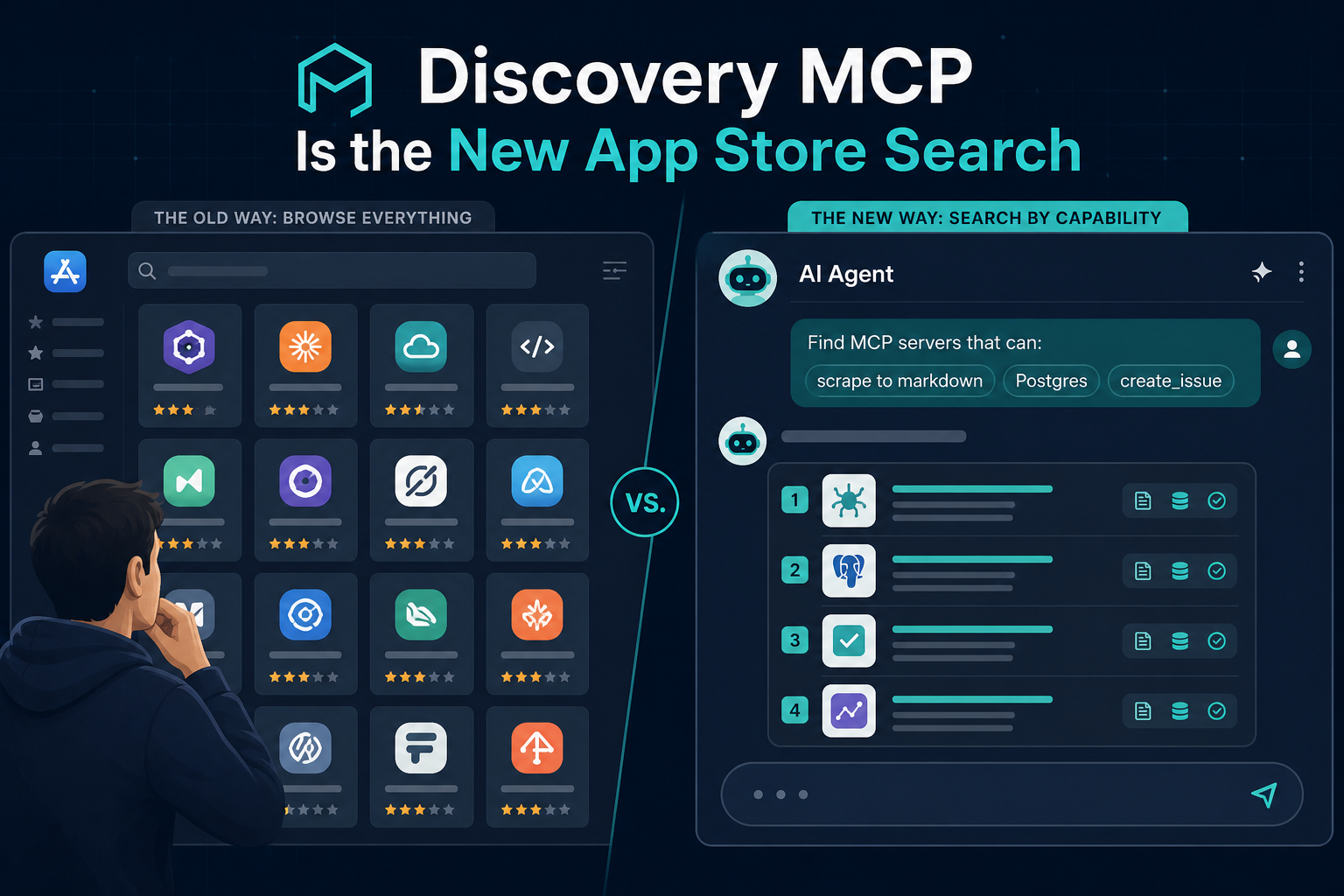
For a decade, “finding software” meant opening a store, scrolling categories, reading star ratings, and guessing from screenshots. MCP directories inherited that habit — long grids, GitHub stars, logos, “works with Claude.”
Agents do not shop that way. They search by capability: scrape URL to markdown, run a Postgres query, create a GitHub issue. The winning integration is the one whose tools/list matches the job — not the one with the prettiest README hero image.
Discovery MCP is the bridge: a read-only server that exposes the Influzer catalog as tools inside Claude, ChatGPT, and Cursor. Endpoint: https://www.influzer.ai/mcp/discovery · Setup: /mcp/discovery/setup
Think of it as the new App Store search — except the query box lives inside the agent, and results rank on indexed tools, not hype.
The shift: browse vs capability search
| Human directory browsing | Agent capability search |
|---|---|
| Scroll Top 100, compare stars | Query: “MCP for browser automation with screenshot” |
| Remember a brand name from Twitter | Query: “servers with run_query for Postgres” |
| Open 12 tabs for setup docs | Call get_mcp_server for install command in-thread |
| SEO page for “best MCP for X” | recommend_mcp_servers for a workflow topic |
As of August 2026, Influzer’s registry lists ~6,000 MCP servers. After daily tools/list validation, ~414 (~7%) have indexed tools — roughly 4,800+ tool entries searchable by name and description. That is the slice agents actually compete in. The rest is catalog noise until someone indexes real capabilities.
We covered the quality filter in most MCP servers are still demoware and the signal hierarchy in tools indexed beats star count. Discovery MCP is what happens when you operationalize those signals inside the chat.
What Discovery MCP exposes
Influzer MCP Discovery is read-only HTTPS at /mcp/discovery. Four tools, all backed by the live catalog:
search_mcp_servers— keyword search by server name, category, or tool capabilityget_mcp_server— full detail for one slug: tools, transport, install command, remote URLrecommend_mcp_servers— curated picks by workflow (browser automation, RAG, coding agent, PDF, OpenAPI, scraping)list_mcp_topics— topic guides with server counts from the MCP topics hub
No OAuth. No write access. Safe to enable as a research layer before you install production servers with credentials.
Product intro and client setup steps: Search MCP servers without leaving Claude, ChatGPT, or Cursor. This article is the strategic follow-on — why every serious directory will ship discovery-as-MCP, and what authors must change to win agent search.
Why this is the new App Store search
Mobile app stores solved distribution when software exploded. Search + categories + reviews let users find “a photo editor” without knowing brand names.
MCP is at the same inflection — except the “user” is often an agent acting on behalf of a developer. The query is not “show me trending servers.” It is:
- “Find an MCP that scrapes URLs to markdown.”
- “Recommend a coding-agent stack with GitHub and docs lookup.”
- “Compare Postgres MCP servers — tools and transport.”
Discovery MCP makes those prompts executable. The agent calls search, reads ranked summaries, pulls setup metadata — without you alt-tabbing to a directory.
That changes discovery economics:
- Capability keywords beat brand — “firecrawl” helps if you already know the name; “scrape markdown” finds whoever indexed the verb.
- Tool descriptions are SEO for agents — vague one-liners rank poorly; crisp verb + object wins selection.
- Indexed tools are the inventory — unvalidated listings are invisible to search even if the repo is famous.
- Topic guides are category pages —
list_mcp_topics+recommend_mcp_serversmirror App Store categories, but for agent workflows.
What changes for MCP server authors
If your go-to-market is “get on a list and hope,” agent search will disappoint you. Authors who win discovery queries ship like this:
1) Name tools for search, not for cleverness
Use verbs agents and models already say: scrape_url, run_query, create_issue, search_docs. Avoid do_the_thing or internal codenames. Discovery search matches tool names and descriptions against user queries.
2) Write descriptions models can rank on
One sentence per tool: action + input + output. Example: “Fetch a URL and return clean markdown for RAG ingestion.” That line is how you rank for “scrape to markdown” without paying for ads.
3) Get indexed — or stay demoware
Submit at /mcp/submit. Ensure tools/list works on a live endpoint. Influzer re-validates daily; broken servers fall out of search. See the seven-question audit from the buyer side — authors should self-check first.
4) Pick a topic lane
Browser automation, RAG, coding agents, PDF, OpenAPI, web scraping — each has a topic hub. Align your README and tool surface with one lane so recommend_mcp_servers can place you correctly.
5) Honest transport labels
Remote HTTPS if you want Claude/ChatGPT connectors. Stdio if you are Cursor-local. Mislabeled transport wastes installs and hurts trust signals. More: remote vs local is the real split.
6) Stop optimizing for stars alone
Stars help humans browsing GitHub. Agents call search_mcp_servers. A 200-star server with five indexed tools beats a 5k-star repo with zero tools/list every time.
What changes for teams and buyers
Shortlisting: Connect Discovery once (setup guide), then ask the agent to search before anyone edits mcp.json. Pair with the Top 100 for human-curated defaults.
Security review: Pull tool lists and transport types via get_mcp_server without opening fifty tabs. Still run allowlists — Discovery is research, not approval. See tool access as an operating control.
Vendor PMs: Search for competitive capabilities (“who indexes create_issue?”) to see positioning gaps before you build another wrapper.
Onboarding: New hires ask the agent “what MCP do we use for Postgres?” instead of reading a stale Notion page. Discovery becomes living internal documentation — if your allowlisted servers are indexed well.
Example prompts that mirror App Store search
- “Search Influzer for MCP servers that scrape URLs to markdown.” →
search_mcp_servers - “Recommend MCP servers for a coding agent with GitHub and docs.” →
recommend_mcp_servers - “Get setup details for the Playwright MCP.” →
get_mcp_server - “List browser automation topic guides and top servers.” →
list_mcp_topics+ search - “Compare Supabase vs Postgres MCP — tools and remote URL.” → search + two
get_mcp_servercalls
The pattern: capability first, brand second, setup third — all without leaving the thread.
How Discovery fits the Influzer stack
- Web directory — SEO, filters, comparison pages for humans (full registry, topics)
- Discovery MCP — programmatic search from inside agents (this article)
- Daily pipeline — registry refresh,
tools/listvalidation, manual submissions
Same catalog, two interfaces. When validation runs overnight, agent search reflects it the next day. Directory mechanics: how the aggregated list works.
Quick answers
Is Discovery MCP free?
Yes. Public read-only HTTPS. No API key.
Does this replace browsing influzer.ai/mcp?
No. Use the website for deep comparison and SEO research. Use Discovery when the agent should do the searching.
Can I submit my server through Discovery?
No — Discovery searches the catalog. Submit at /mcp/submit; approved servers appear in search automatically.
How is this different from the July Discovery intro post?
That post is setup-focused. This one is about the market shift — capability search as the new default, and what authors must optimize for.
What if my server does not show up?
Check indexed tools, live endpoint, and submit gaps. Zero indexed tools = invisible to agent search even if listed.
Related reading
- Intro: Search MCP servers from Claude, ChatGPT, Cursor
- Most MCP servers are still demoware
- Tools indexed beats star count
- Seven-question MCP audit
- Brief: 6,000 servers milestone
Final thought
Directories that only optimize for human scrolling will look like yesterday’s app stores — pretty grids, stale rankings, brand games.
Discovery MCP is the search box agents actually use. Connect it once at /mcp/discovery/setup. Search by what servers do. Authors: index real tools, write for capability queries, pick a topic lane. Buyers: let the agent shortlist, then apply your allowlist.
The integration layer is MCP. The discovery layer should not be a bookmark — it should be a tool call. That is the new App Store search.
One clear email each Thursday
Actionable frameworks on AI execution, agents, and MCP. Join 4,200+ builders.
Leave a comment
Be the first to share your thoughts.