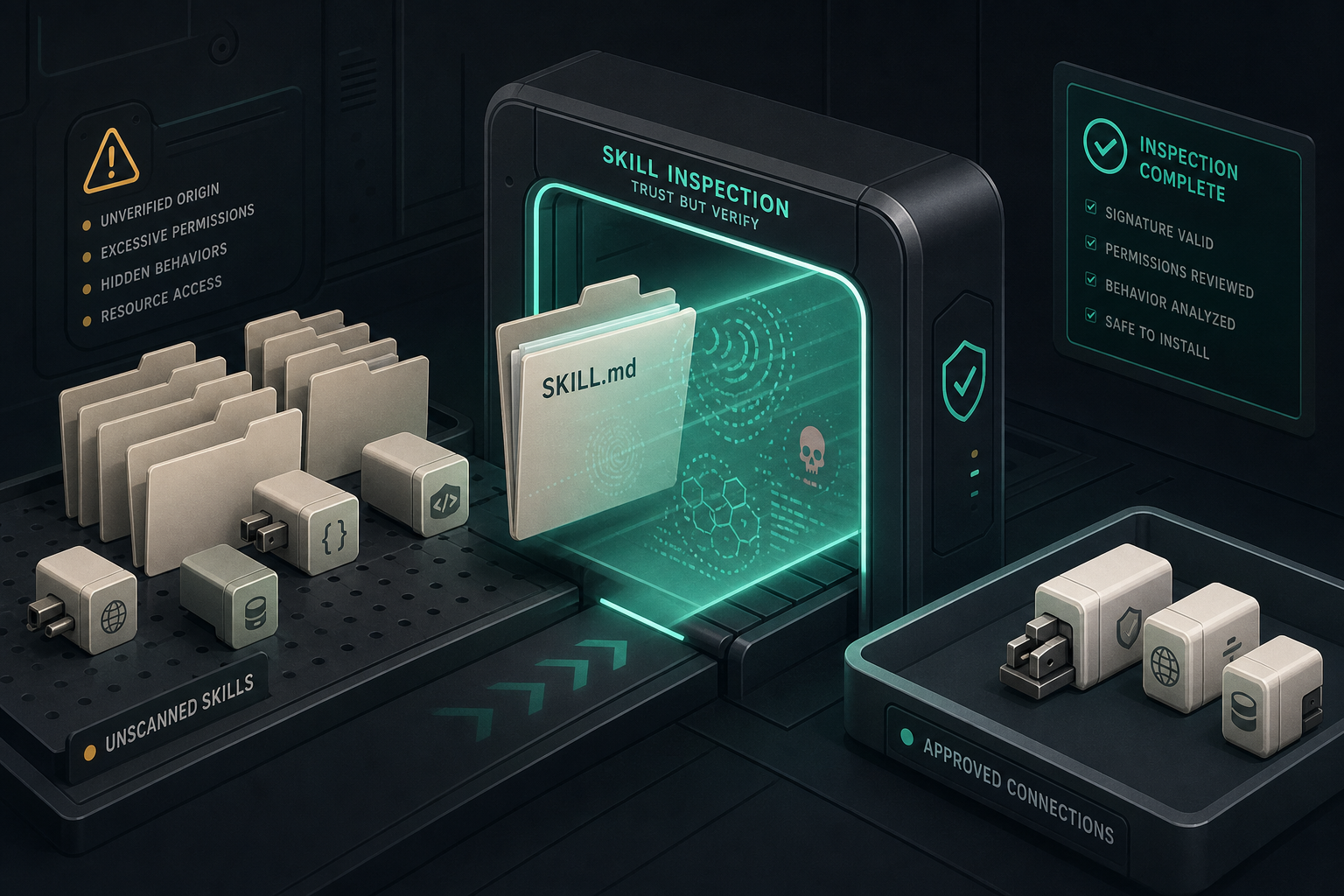
NVIDIA open-sourced SkillSpector so you can scan an agent skill before it lands in Claude Code, Codex, or Gemini. That is the right instinct. Most skills look like a markdown file and a couple of scripts. Research NVIDIA cites found 26.1% of skills in the wild carry at least one vulnerability, and a slice look outright malicious.
If you are building or installing skills this week, run the scanner. If you are connecting MCP servers, do not treat a green SkillSpector report as “safe to give the agent filesystem and secrets.” Those are different objects.
This post is the split: what SkillSpector is for, what it cannot see, and the quieter quality bar Influzer actually uses on the directory so junk is reviewed instead of rubber-stamped.
What SkillSpector actually scans
SkillSpector is a static skill linter. You point it at a Git repo, zip, directory, or SKILL.md. It never executes the skill. It greps, walks Python ASTs, runs YARA, optionally sends file contents to an LLM, and returns a 0–100 risk score plus findings.
The useful categories for installers:
- Prompt injection and hidden instructions (HTML comments, zero-width characters, unicode tricks)
- Data exfil patterns and dangerous APIs
- Supply-chain CVEs via OSV.dev
- MCP-shaped checks: least-privilege mismatches and tool poisoning in descriptions
NVIDIA also ships it as an MCP server (skillspector mcp) so an agent can call scan_skill and you can gate the install on the verdict. That is the product-shaped version of “don’t paste first.”
Install from the repo and start with a local, no-LLM pass:
uv tool install git+https://github.com/NVIDIA/SkillSpector.git
skillspector scan ./my-skill/ --no-llm
Use the LLM pass when you want description-vs-code mismatch. Use --no-llm in CI and on untrusted zips you do not want leaving the machine. NVIDIA is explicit: with LLM analysis enabled, file contents go to the configured provider. Static mode keeps contents local.
What a “SAFE” score does not mean
SkillSpector’s own docs call this defense-in-depth, not a sandbox. A 0–20 score means “no matched patterns in the files we could read.” It does not mean:
- The skill is harmless once installed
- A hosted MCP endpoint with the same name is clean
- Auth, scopes, or quotas are appropriate for your org
- Yesterday’s GitHub still matches what
tools/listreturns today
It also cannot see compiled binaries, text in images, or runtime behavior. A remote HTTPS MCP with no cloneable tree is mostly outside the tool. That is most of the interesting production connectors.
So: promote the scanner to skill installers. Do not print “NVIDIA-safe” on an MCP listing.
Why directories should not pretend this is the catalog immune system
Influzer’s generated catalog is on the order of 12,000+ MCP servers. Roughly 40% have a GitHub URL. A few hundred have indexed tools. A few dozen look like skill packs.
If we ran SkillSpector across everything and dropped “HIGH” scores, we would:
- Skip the majority (no source tree)
- Flag legitimate MCP servers whose job is filesystem, shell, or GitHub writes — that looks like “excessive agency” to a skill linter
- Miss the failure mode operators actually hit: a live tool description that lies, or a hosted endpoint whose README is cleaner than the process
That last one showed up in public MCP threads this month: people do not want the agent shopping a registry. They want a shortlist of servers they already trust, plus a way to search without connecting. A linter score is not that shortlist.
The quality bar that matches MCP (what Influzer actually does)
We keep SkillSpector in the “scan source when you have source” lane. The directory’s immune system stays MCP-shaped:
- Handshake, not a ping. Daily validation talks JSON-RPC
tools/listto live HTTP endpoints. A 401 still counts as alive — that is usually OAuth, not a dead server. Dropping 401s would hide the useful, auth-gated connectors. - Indexed tools beat star count. If we cannot show a real tool list, the listing stays in the long tail, not the Top 100. Agents select on capabilities. Empty surfaces fail at runtime. See demoware in 30 seconds.
- Discovery searches. It does not install. Influzer MCP Discovery is read-only: search, recommend, fetch setup metadata. No secrets, no filesystem, no connect. Humans still put the server on the allowlist. That split is policy before plugins.
- Submissions get a poison pass, not a vanity badge. When someone files /mcp/submit, we scan the description and tool text for the high-precision SkillSpector-shaped hits we can do without cloning the world: hidden / bidirectional Unicode, HTML comments in tool copy,
data:/javascript:URIs, instruction-override language (“ignore previous instructions”), mixed-script homoglyphs in tool names. Findings land in the admin review queue. They do not auto-delete a listing and they do not mint a public “SAFE” chip. - Live tool copy is stripped of hidden Unicode before it is stored. If a remote
tools/listtries to smuggle zero-width characters into the catalog, we drop those characters on ingest. The server stays listed. The payload does not.
We still will not auto-reject a GitHub MCP because it declares filesystem access. That is often the product. Wildcard permissions and “this tool can write” belong in your allowlist, not a directory kill-switch. Pair that with the seven-question audit and .cursor/mcp.json as team policy.
How to use both without lying to yourself
| You have… | Do this | Do not do this |
|---|---|---|
A SKILL.md / skill zip / Claude Code skill |
Run SkillSpector (--no-llm first). Gate install on high/critical. |
Paste it into the agent because the README is confident. |
| A cloneable MCP server repo | SkillSpector for hidden instructions + OSV. Then handshake the live endpoint. | Treat a clean GitHub as a clean hosted URL. |
| A remote HTTPS MCP (Claude / ChatGPT connector) | initialize + tools/list, auth story, allowlist. Search via Discovery. |
Ask a skill linter to certify an endpoint it cannot fetch as source. |
| A team agent that can write | Pinned shortlist in git. Confirm before side effects. Default deny writes. | Give the model a live registry and let it “install something for X.” |
If you maintain skills, NVIDIA’s pipeline is: scan, evaluate, sign, then publish. Directories should steal the sequencing, not fake the signature. Scan source when it exists. Prove the protocol is alive. Keep search separate from connect. Let humans own writes.
A 20-minute rollout for a team that installs skills and MCP
- Put SkillSpector in the laptop path:
skillspector scan <path> --no-llmbefore any skill hits Claude Code. - For CI, emit SARIF and fail on high/critical. NVIDIA documents the GitHub code-scanning upload.
- Keep MCP installs on a written allowlist. New server = PR to the list, then to
.cursor/mcp.json. - Give the agent Discovery so “is there an MCP for X?” is a search, not a hallucinated
npxline. - When you submit a server to a directory, assume tool descriptions will be treated as untrusted strings. They are.
Quick answers
Should every agent builder run SkillSpector?
If you install third-party skills, yes — at least the static pass. If you only connect a handful of official remote MCPs, the scanner will not see those endpoints. Use handshake + allowlist instead.
Will Influzer show a SkillSpector badge on listings?
No. A badge would imply we certified servers we often cannot clone, and it would punish real write-capable tools. We use poison-pattern review on submissions and live ingest. We point builders at NVIDIA’s repo for skills.
Can we auto-drop catalog entries that fail a scan?
Not on score. Auto-drop on hidden-instruction / malware-class hits after a human looks. “Has filesystem” is not malware.
Does Discovery replace SkillSpector?
No. Discovery finds MCP servers by capability. SkillSpector reviews skill source. Different inputs, different failure modes.
Where do we start in the directory?
Top 100 (tools-first), then Discovery, then the demoware filter, then the allowlist. Submit gaps at /mcp/submit.
Related reading
- Policy before plugins — write the allowlist first
- Most MCP servers are still demoware
- Seven-question MCP server audit
- Don’t put secrets in MCP headers
- Influzer MCP Discovery
Final thought
The ecosystem will keep shipping skills that look like documentation and MCP servers that look like app-store cards. Scan the files you can clone. Handshake the process you will actually call. Never let search become install.
SkillSpector is the best public answer we have seen for the first sentence. The directory’s job is the second and third. Use both. Trust neither as a substitute for an allowlist.
Start with NVIDIA/SkillSpector. Keep the agent’s connected set tiny via the Top 100 and Discovery. And when a skill or server looks shiny, ask which object you are holding — a markdown pack, or a live tool surface — before you call it safe.
One clear email each Thursday
Actionable frameworks on AI execution, agents, and MCP. Join 4,200+ builders.
Leave a comment
Be the first to share your thoughts.