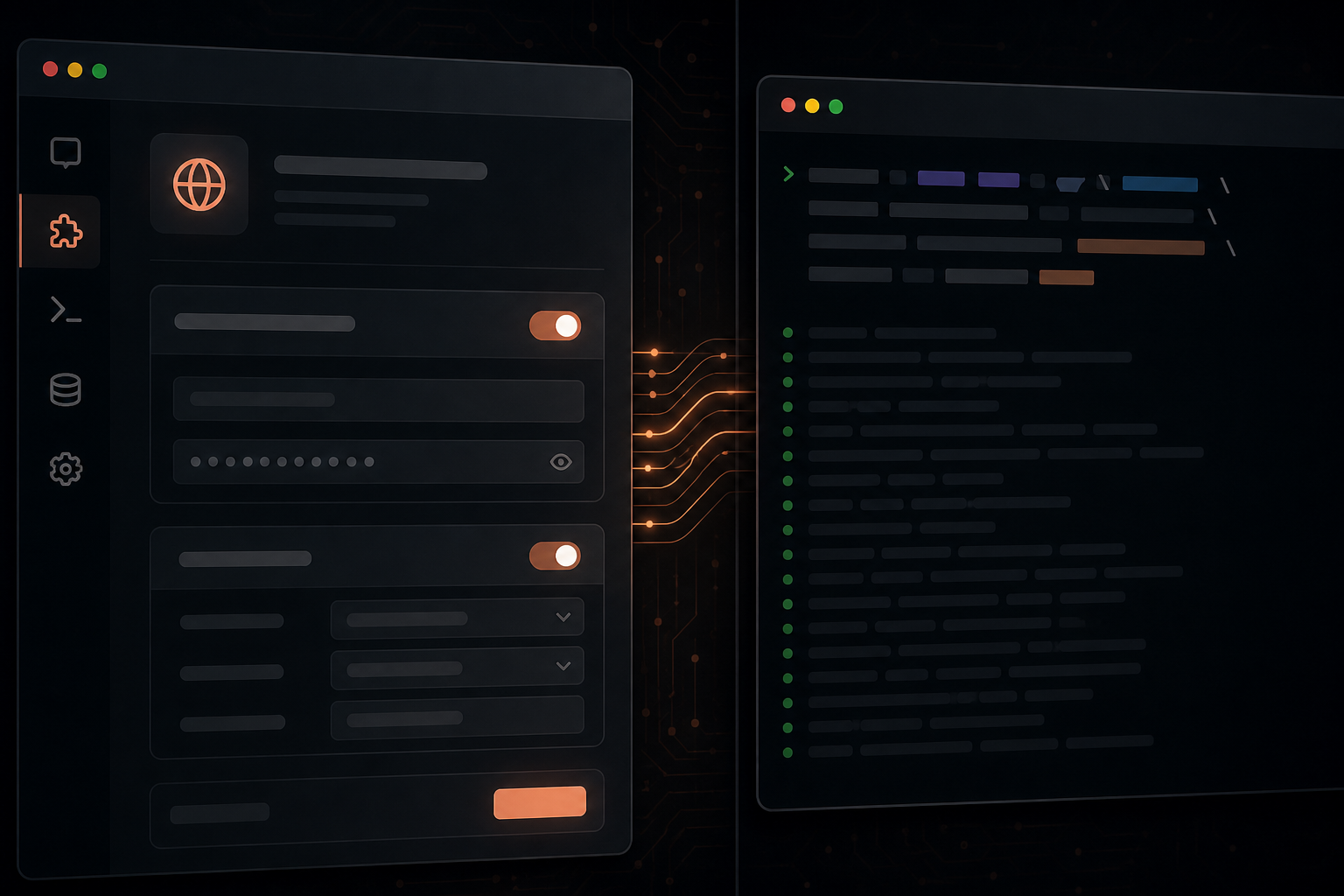
You connected Influzer MCP Discovery in Claude Desktop on Tuesday. Wednesday, an engineer asks for the same catalog inside Claude Code in the terminal. They run a command, get a flag error, and assume the server is broken.
It is not. Claude is two clients with two attach paths. Same MCP protocol, same HTTPS endpoint — different install UX, different transport defaults, different fallback when CLI versions drift.
This article is the decision guide we wish teams had before opening a second “Claude MCP” ticket.
The two Claude surfaces
| Surface | Who uses it | How MCP attaches | Best for |
|---|---|---|---|
| Claude Desktop / web / mobile | PM, ops, eng leads, broad org | Settings → Connectors → Custom → Web | No local install, OAuth in UI, per-chat enable |
| Claude Code (CLI) | Developers in repo / terminal | claude mcp add (+ optional --transport http) | Coding sessions, stdio servers, scriptable setup docs |
Both can hit the same remote URL — e.g. https://www.influzer.ai/mcp/discovery. The server does not care which UI registered it. Your docs should show both paths anyway, because users arrive from different entry points.
Related: one MCP, three surfaces (Claude + ChatGPT + Cursor). This post zooms into the Claude-only fork.
Desktop / web connectors (the UI path)
- Open Claude → Settings → Connectors (or
claude.ai/customize/connectors). - Add connector → Custom → Web.
- Name + paste HTTPS URL (include path if required).
- OAuth only if your server requires it; none for public read-only tools.
- Start a new chat → enable connector for that conversation.
Properties:
- Traffic originates from Anthropic cloud — localhost and private IPs fail.
- Good for stakeholders who will never open a terminal.
- Connector limits vary by plan (free vs Pro/Team).
- Matches how most “enterprise Claude MCP” rollouts are managed today — see enterprise-managed auth.
Claude Code CLI (the terminal path)
For remote HTTPS servers, the canonical Influzer Discovery command is:
claude mcp add --transport http influzer-discovery \
  https://www.influzer.ai/mcp/discovery
Then verify:
claude mcp list
Properties:
- Config lives on the developer machine — not in git (contrast .cursor/mcp.json team policy).
- Supports stdio wrappers (
claude mcp add github -- npx -y @modelcontextprotocol/server-github) — the path Desktop cannot use. - HTTP transport flag names have shifted across CLI releases — treat commands as version-sensitive.
- Ideal for “clone repo → run two commands → agent can search MCP catalog” onboarding.
Full tabbed setup: /mcp/discovery/setup → Claude Code.
Decision guide: which path when?
| Scenario | Use Desktop connector | Use Claude Code CLI |
|---|---|---|
| Public HTTPS read-only (Discovery, docs search) | ✓ Easiest for non-devs | ✓ Document in eng runbooks |
| Local stdio server next to repo | ✗ Cannot reach localhost | ✓ Primary path |
| OAuth connector with browser flow | ✓ Native UI | Varies — check CLI OAuth support |
| Reproducible eng onboarding | Manual clicks | ✓ Scriptable commands |
| Org-wide non-engineering rollout | ✓ | Not the target user |
Rule of thumb: publish both snippets in your server docs. Label them “Claude (web)” and “Claude Code (CLI)” — not a single “Claude setup” section that hides the split.
When CLI flags disagree (fallback playbook)
The most common failure mode in 2026: Desktop connector works; CLI rejects --transport http or expects a different subcommand.
Do not fork the server. Same URL, alternate attach path:
- Confirm the URL in Desktop first — proves HTTPS, DNS, TLS, and
tools/listfrom Anthropic egress. - Check CLI version —
claude --version; update if stale. - Retry without assuming flag parity — some builds register HTTP URLs without the explicit transport flag; others require it. Match Influzer’s current tab at /mcp/discovery/setup.
- Still stuck? Use Desktop/web connector for remote HTTPS; use CLI only for stdio/local until flags align.
- Document the working command in your README with version pin — “Tested Claude Code 1.x”.
This is why we ship separate setup tabs per client instead of one generic “Claude” block.
Stdio vs HTTP on Claude Code only
Claude Code inherits the remote vs local split:
- stdio —
claude mcp add NAME -- npx -y package— secrets in env, laptop-only, Cursor-like ergonomics. - HTTP —
claude mcp add --transport http NAME URL— same remote surface as Desktop connectors.
Directory listings that only show stdio install commands are Claude Code–only, not “Claude org-ready.” Ask vendors for the HTTPS URL and both attach paths.
Security notes (both paths)
- Remote URLs must be HTTPS — no exceptions for chat/cloud clients.
- Do not paste tokens into connector names or custom headers — header footguns.
- CLI stdio configs often hold PATs in local env — fine for dev, not a substitute for org OAuth on write tools.
- Run the seven-question audit once per server, not once per Claude surface.
Example: Influzer Discovery on both paths
Desktop: Custom Web connector → https://www.influzer.ai/mcp/discovery → enable in chat → ask: “Search Influzer for Postgres MCP servers.”
Claude Code:
claude mcp add --transport http influzer-discovery \
  https://www.influzer.ai/mcp/discovery
claude mcp list
Same tools: search_mcp_servers, recommend_mcp_servers, get_mcp_server, list_mcp_topics. Deeper intro: Search MCP without leaving your client.
What to publish in your server docs
- Canonical HTTPS URL (path included).
- Desktop steps (5 bullets max) + link to Anthropic connector docs.
- Claude Code command with transport flag +
claude mcp listverify step. - Fallback line — “If CLI flags fail, use Desktop web connector with the same URL.”
- Auth section — OAuth vs none, per surface if different.
Mirror the tab pattern on Discovery setup — Claude, Claude Code, ChatGPT, Cursor.
Quick answers
Is Claude Code the same as Claude Desktop for MCP?
No. Same brand, different attach mechanisms. Plan docs for both.
Can I skip Desktop if my team is CLI-only?
Yes for engineering — but product/legal/design will still need Desktop connectors for remote HTTPS tools.
Does ChatGPT have a CLI equivalent?
Not in the same way. ChatGPT stays on Developer Mode connectors — included in our three-surface guide, not this Claude fork.
Should stdio servers document a Desktop path?
Only if you also ship HTTPS remote. Otherwise label Claude Code / Cursor only honestly.
Related reading
- Setup guide — Claude + Claude Code tabs
- One MCP, three surfaces
- Brief: remote vs local split
- Enterprise-managed MCP auth
- Spot demoware in 30 seconds
Final thought
“Works in Claude” is ambiguous. Buyers and builders should ask: Desktop connector, Claude Code CLI, or both?
Ship one HTTPS endpoint. Document two attach paths. When flags drift, fall back to the web connector — not a second server fork.
That is how Claude stops being the MCP surface where setup docs go to die.
One clear email each Thursday
Actionable frameworks on AI execution, agents, and MCP. Join 4,200+ builders.
Leave a comment
Be the first to share your thoughts.