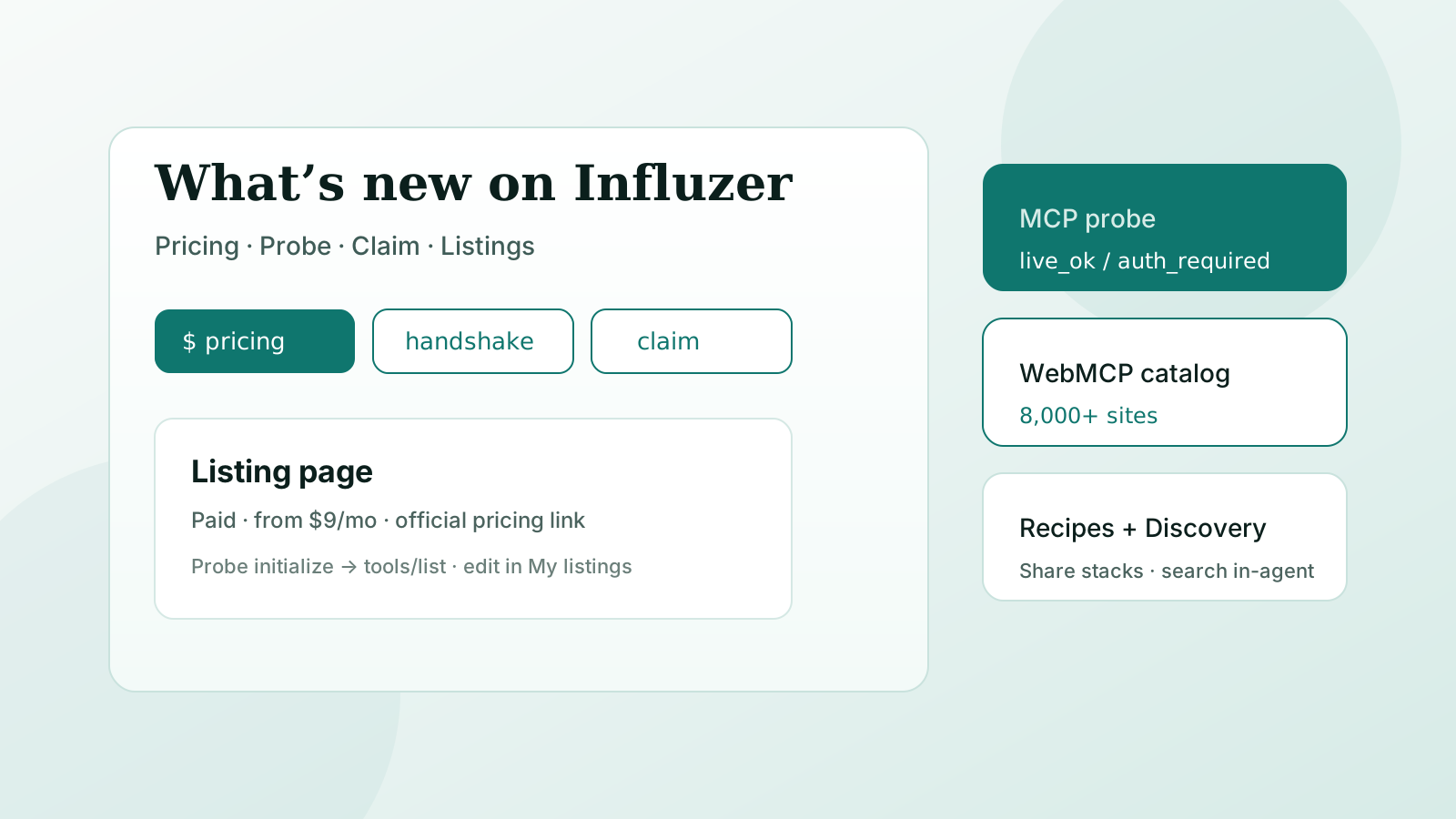
Influzer is a directory first. The job is simple: help people find MCP servers and WebMCP sites, see what they expose, and decide whether to connect — without pretending a green badge means “safe.”
Over the last stretch we shipped several product pieces that make that job clearer for builders and buyers. This post is the tour.
Jump: Listing pricing · Probe / test a server · Claim & edit · Other launches · Try it
1. Listing pricing — free vs paid, on the page
Developers kept asking the same question after a handshake: is this free, freemium, or paid? READMEs bury it. Marketing pages oversell “intro credits” as a free tier.
Listings can now publish optional pricing:
- Model — free, freemium, paid, usage-based, or contact
- Starting price — e.g.
$9/mo - Short summary — one honest sentence
- Official pricing URL — link out to your page of record
It shows under the description and in At a glance. Maintainers edit it from My listings; admins can edit it in the catalog tools. Example: AgentSEO now states paid access, one-time intro credits, and a link to their pricing page.
Pricing is vendor-declared. It is not a certification, and it does not change handshake status.
2. Test a server before you paste it
Connecting is easy. Knowing the endpoint speaks MCP is the five-minute bar.
Use /mcp/probe (also linked from listing pages) to run a timed handshake: initialize, then tools/list. You get statuses like live_ok, auth_required, or unreachable — observable facts, not a SAFE stamp.
Same philosophy as our methodology: we do not call your tools, and we do not sell rank as verification. Read how we verify and the longer checklist in Verify an MCP server before you connect.
Want the agent loop? Search → handshake → paste via Discovery + the Influzer skill.
3. Claim a listing and edit it yourself
If you maintain a server that is already in the directory, you should not need a support thread for every description tweak.
- Claim an existing listing — prove you maintain it, then get edit rights
- My listings — update name, description, tools, docs, endpoint, and now pricing
- Submit a new server — if you are not listed yet
Edits land on the public listing. Keep tools honest. Keep pricing current. If the live server card disagrees with your marketing copy, fix the listing — buyers will notice.
4. Other launches worth knowing
WebMCP directory (websites with in-page tools)
WebMCP is not an MCP server. We keep that split loud on purpose. The WebMCP directory catalogs sites that declare tools for agents in the browser. The catalog import now pages past the old 5,000 cutoff so the listed count matches the full snapshot — see also WebMCP vs MCP.
Discovery inside Claude, ChatGPT, and Cursor
Connect Influzer MCP Discovery to search the catalog from the agent without installing every candidate. Read-only by design.
Recipes
Share how you actually use a stack: /recipes. Listing pages link recipes for that server so “install” is not the end of the story.
Sponsored slots (attention ≠ handshake)
We sell a small number of labeled Sponsored placements so the registry can stay online. They sit above the list. They do not buy Top 100 order, live_ok, or Discovery ranking. Policy: Rank is not for sale · buy: /mcp/promote.
Handshake scoreboard & install snippets
See recent probe outcomes on the scoreboard. Each listing ships paste targets for Cursor, VS Code, Claude, ChatGPT, Claude Code, and ACP — still not a safe-to-install badge.
Try it in five minutes
- Buyer: Open /mcp, pick a remote server, click probe / handshake, read tools and pricing if present.
- Builder: Submit or claim, then set pricing in My listings so buyers are not guessing.
- Website with tools: Browse /webmcp or list your site after a scan.
- In-agent search: Wire Discovery from setup.
Quick answers
Does publishing pricing improve my handshake?
No. Handshake is a probe fact. Pricing is vendor-declared context.
Can I pay to become live_ok?
No. Sponsored slots buy a labeled placement, not verification.
Who can edit pricing?
Listing owners via My listings, and Influzer admins. Claim the page if you maintain it but do not own it yet.
Is WebMCP the same as MCP Apps?
Related
- MCP directory
- Handshake probe
- My listings
- WebMCP directory
- Verify before you connect
- Rank is not for sale
Final thought
A useful directory shows the boring facts early: what the endpoint returns, what it costs to use, and who owns the page.
Price it. Probe it. Claim it. Then decide whether to connect.
Start on the MCP directory or the WebMCP catalog — and keep “SAFE” for a human allowlist, not a marketing badge.
One clear email each Thursday
Actionable frameworks on AI execution, agents, and MCP.
Leave a comment
Be the first to share your thoughts.