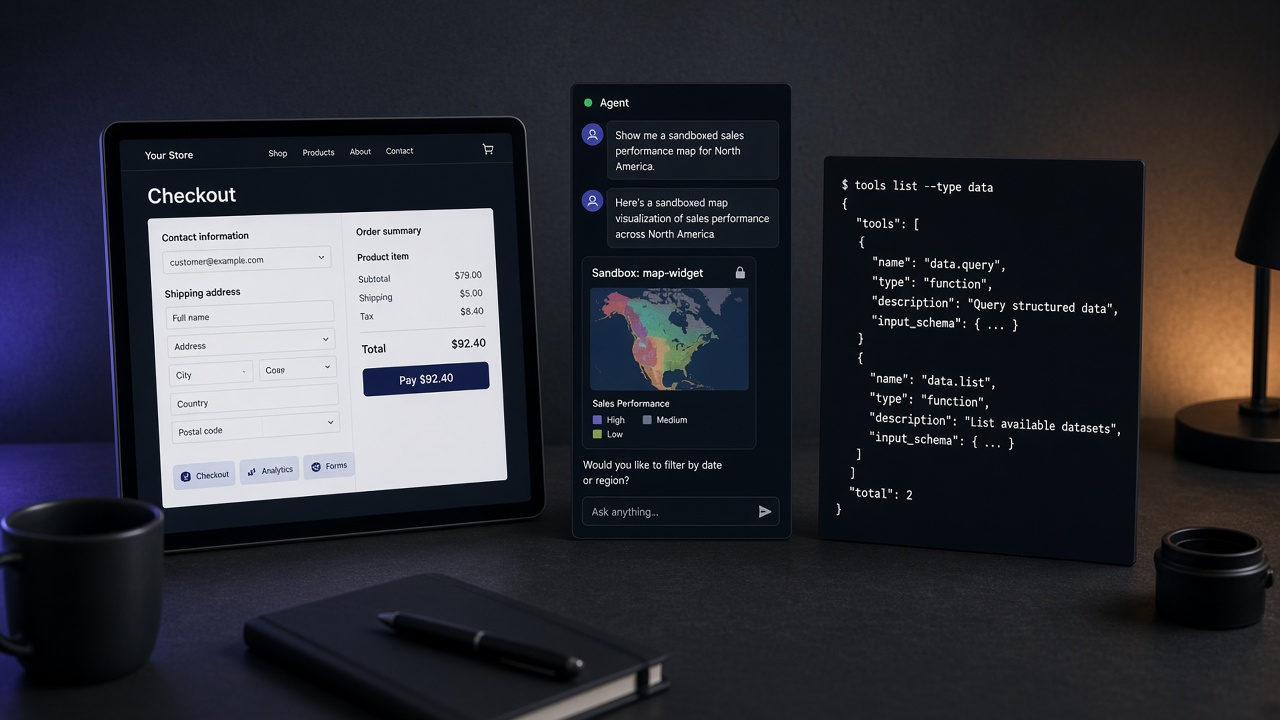
Short answer: use WebMCP when the agent is already on a website and should call that site’s declared tools. Use MCP when the agent needs durable integrations — GitHub, Postgres, Slack, scrapers — that travel with the client.
The names collide. The layers do not. Mixing them up wastes a week of “why won’t my site show up as an MCP server?” or “why can’t my agent book on this page?”
Side-by-side
| WebMCP | MCP (servers) | |
|---|---|---|
| What it is | Website exposes in-page tools (schemas + intents) | External tool server over stdio/HTTP |
| Where it runs | In the browser, on the origin | Local process or remote host |
| Discovery | Usually after visiting the page | Config / directory / install URL |
| Best for | Search, forms, booking, checkout on your site | Repos, APIs, SaaS, automation across apps |
| Browse on Influzer | /webmcp | /mcp |
When you need WebMCP
Choose WebMCP if:
- You own a product website and agents already land there
- DOM guessing fails on multi-step flows (booking, support forms, filters)
- You want actions to stay visible on your UI with your brand and confirmations
Start by browsing live examples in the WebMCP directory, try Influzer’s own WebMCP, then scan and list your site.
When you need MCP servers
Choose MCP if:
- The agent must reach systems that are not “this webpage”
- You need the same tools in Cursor, Claude, or ChatGPT across sessions
- You care about handshake checks, install snippets, and allowlists
Search the MCP server directory, prefer handshake-checked remotes, and submit your server when you ship one. For setup from inside the agent, use Discovery.
You will often need both
A realistic stack:
- MCP for GitHub + docs + CRM
- WebMCP on your marketing and app origins so browser agents stop thrashing the DOM
They are complementary. WebMCP does not replace Postgres MCP. MCP does not magically teach agents your checkout page.
Common mistakes
- “Our site is an MCP server.” Usually false — unless you host a separate MCP endpoint. Publish WebMCP tools on the page, or stand up a real MCP server. See also your website is not an MCP server.
- “MCP Apps = WebMCP.” No — different surfaces. Read MCP Apps are not WebMCP.
- Skipping verification. For MCP remotes, run a handshake before you allowlist. For WebMCP, inspect the tool list on the live page.
Decision checklist
- Is the work on a specific website UI? → WebMCP first
- Is the work across systems / lasting tools? → MCP servers
- Shipping either? → List it: WebMCP submit or MCP submit
Quick answers
Is WebMCP an official W3C standard yet?
It is an active web-platform / Chrome early path — treat docs as evolving. Product value still holds: declared tools beat DOM guessing.
Can one product offer both?
Yes. Many will: WebMCP on the site, MCP for partner/agent integrations.
Where should I start as a buyer?
Browse WebMCP sites for agent-ready web UX. Browse MCP servers for stack connectors. Then connect Discovery so search stays inside the agent.
Bottom line: WebMCP = site tools. MCP = stack tools. Pick the layer that matches the job — then use Influzer to find or publish it.
One clear email each Thursday
Actionable frameworks on AI execution, agents, and MCP.
Leave a comment
Be the first to share your thoughts.