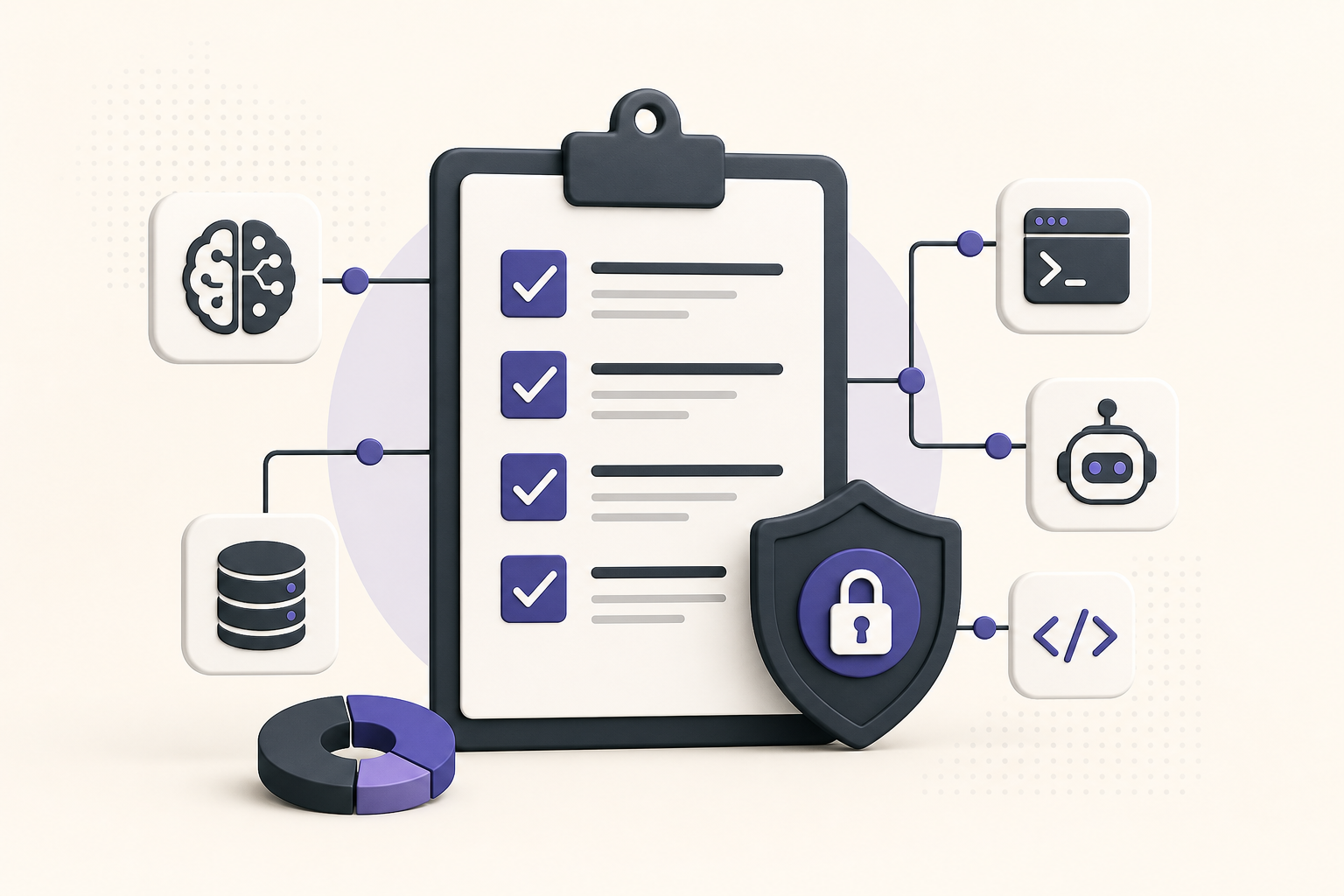
Connecting an MCP server is easy. Knowing what you connected is the hard part.
READMEs lie by omission. Stars are not a handshake. A pasteable mcp.json block is not a security review. Before a server joins your team allowlist, spend five minutes proving three things: it answers, it exposes the tools you expect, and those tools match the risk you approved.
What “verified” should mean
On Influzer, a handshake is a timed HTTPS check: initialize, then tools/list. We do not call your tools. We do not claim “safe.” We claim the endpoint spoke MCP recently and returned a tool surface you can inspect.
That is the minimum bar. Your org can (and should) add identity, scopes, and owner rows on top — see the seven-question audit and policy before plugins.
Five-minute checklist
- Find the live listing — Search the MCP directory. Prefer entries with a recent successful handshake and indexed tools over gist-only installs.
- Read tools/list — Open the server page. Confirm tool names match the job (search vs write vs admin). Vague gods like
run_anythingfail here. - Classify risk — Eyes (read) before hands (write). Destructive tools need a named owner and a kill switch. See eyes before hands.
- Check auth story — Personal PATs in shared config are not an enterprise path. Prefer IdP / org OAuth. Paste-a-key is dead.
- Probe yourself once — Use /mcp/probe on remotes you care about, or connect via Discovery in a sandbox profile first.
Red flags (stop)
- No reachable endpoint / handshake failures for “remote” claims
- Tool list empty or wildly different from the marketing page
- Write tools on day one with no scope story
- Secrets requested in chat, headers, or committed env files — don’t put secrets in MCP headers
- Abandoned domains or stale ownership — allowlist poison
After it passes
Add one allowlist row: owner, environments, read/write class, revoke path. Then — and only then — put it in shared team config.
Building a server? Submit it with an honest transport and a live endpoint so buyers can handshake you the same way.
WebMCP note
Verifying a website is different: inspect in-page tools on the origin. Start at /webmcp and read WebMCP vs MCP if you are unsure which layer you are evaluating.
Quick answers
Does a green handshake mean the server is safe?
No. It means the MCP endpoint responded and listed tools. Safety is scopes, auth, and human review.
Should every server be probed weekly?
Anything on the allowlist with write access: yes. Read-only docs servers: lighter cadence is fine.
Where do I find candidates worth verifying?
Top / full MCP directory, then Discovery for in-agent search without installing everything.
Bottom line: verify before you connect. Handshake + tools/list + risk class beats README hope. Use Influzer’s directory and probe flows so the checklist is boring — and repeatable.
One clear email each Thursday
Actionable frameworks on AI execution, agents, and MCP.
Leave a comment
Be the first to share your thoughts.