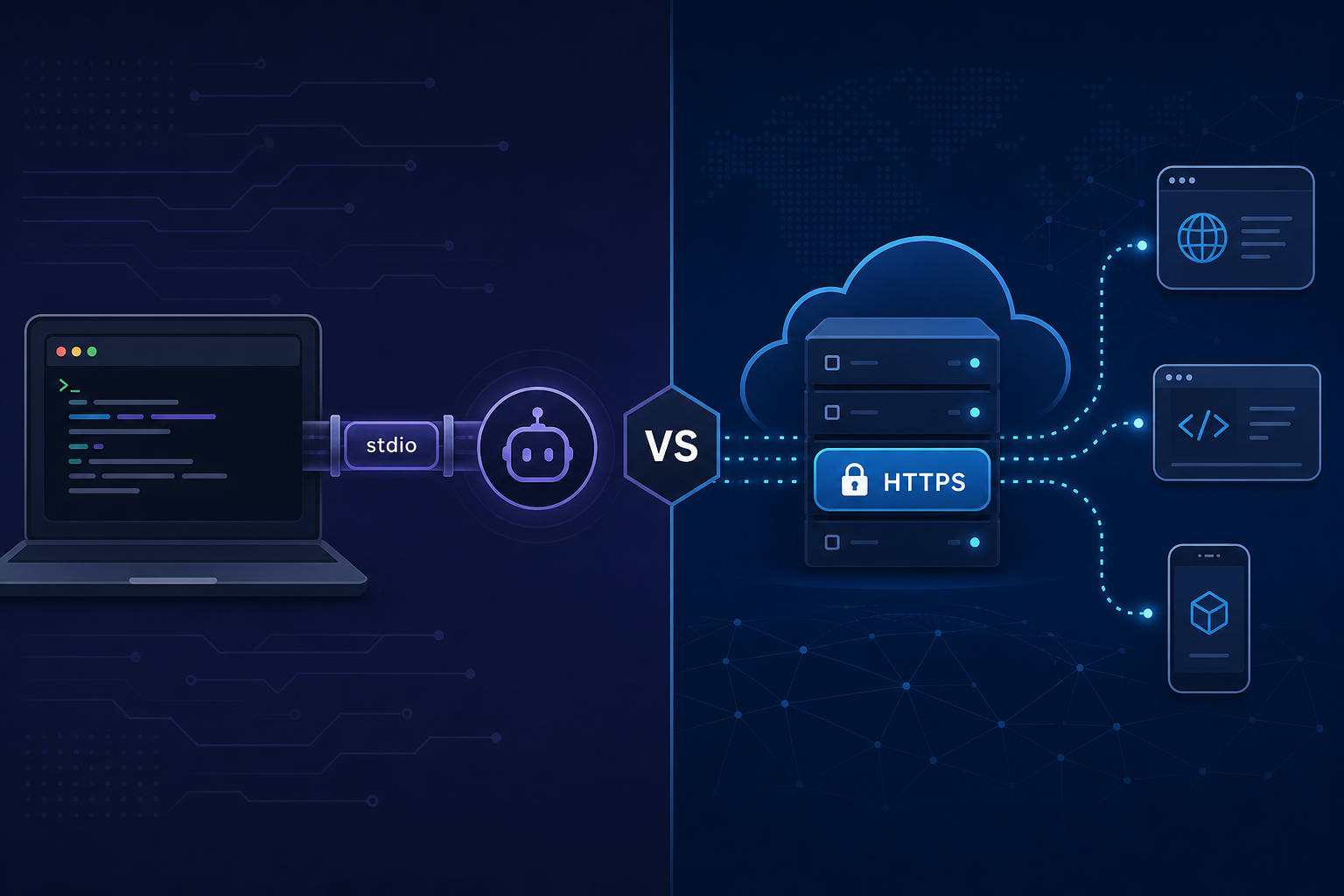
Part of MCP Builders — The Producer Playbook. Chapter 4 of 6.
Chapter 1 shipped your server as a stdio process — Cursor spawns it, talks over stdin/stdout, secrets sit in env in mcp.json. That is the right place to start.
It is not where most production servers stay.
The moment a second teammate needs your connector, or a client cannot spawn local processes, or security asks where the API keys live — you need answers about transport, hosting, and secrets. Chapters 2 and 3 covered who is allowed in. This chapter covers where the server runs and what it can reach.
The decision in one table
| Transport | Best for | Secrets live… | Pain points |
|---|---|---|---|
| stdio | Solo dev, local Cursor/Claude Desktop, CI smoke tests | Client env block, OS keychain, local .env | No remote users; one machine per config |
| HTTP (streamable) | Team rollout, remote clients, enterprise connectors | Host secret store, encrypted env, per-request tokens | TLS, auth, uptime, rate limits |
| SSE (legacy) | Older integrations only | Same as HTTP | Deprecated path — prefer HTTP for new builds |
Rule of thumb: stdio until the tool boundaries feel right; HTTP when someone who is not you needs to connect.
stdio — what you already have from Chapter 1
In stdio mode the MCP client is the process manager. It runs npx -y @scope/your-mcp, pipes JSON-RPC over stdin/stdout, and tears the process down when the session ends.
What works well:
- Fast iteration — change code, restart MCP in Cursor, test
- No public attack surface — nothing listens on a port
- Secrets stay on the developer machine — staging keys in local env only
What breaks at scale:
- Every user maintains their own config — drift, stale keys, "works on my machine"
- No central revocation — you cannot cut access without asking each person to edit a file
- Clients that cannot spawn processes — some web and mobile surfaces need a URL
- Enterprise-managed auth (Chapter 3) expects a hosted resource, not a local binary
Keep stdio for development forever. Just do not confuse "runs on my laptop" with "ready for the org."
HTTP — when and why to migrate
HTTP-hosted MCP exposes a URL. Clients connect over TLS, send JSON-RPC (streamable HTTP in current spec), and your server handles many sessions — each authenticated per Chapters 2 and 3.
Move to HTTP when any of these become true:
- More than one person outside your machine needs the connector
- Your client only supports remote MCP URLs (common in enterprise Claude deployments)
- Security requires secrets off laptops and in a managed vault
- You are listing publicly — directory entries for remote servers need an
mcp_endpointbuyers can hit - You need uptime SLAs — scheduled agents at 2 a.m. do not care that your laptop is closed
The migration is usually smaller than teams fear: the tool handlers stay the same. You swap StdioServerTransport for an HTTP transport and add auth middleware in front.
Project shape after the migration
acme-mcp/
  src/
    index.ts           # entry — picks stdio OR http from env
    server.ts          # McpServer + tool registration (shared)
    acme-api.ts        # upstream REST client (shared)
    auth/
      oauth.ts         # Chapter 2
      enterprise.ts    # Chapter 3
    http.ts            # TLS listener, health check
  Dockerfile
  fly.toml / railway.json
  TOOLS.md
  README.md            # local stdio + remote HTTP setup
One codebase, two transports. Developers run stdio locally; production runs HTTP. Never fork the tool logic.
Secrets — the part that actually gets you paged
Chapter 2 warned about tokens in tool output. Chapter 4 is about tokens before the tool runs.
Never do this
- API keys in
mcp.jsoncommitted to a shared repo - Production keys in the same env var name as staging — "we'll be careful"
- Secrets in tool descriptions or README screenshots
- Logging
Authorizationheaders on failed upstream calls
Do this instead
| Stage | Secret storage |
|---|---|
| Local stdio dev | .env gitignored, or client env block on your machine only |
| Staging HTTP | Host env / Doppler / AWS Secrets Manager — staging vault |
| Production HTTP | Managed secret store, injected at boot, rotated on schedule |
| Per-user OAuth | Encrypted DB or KMS — never plaintext SQLite on a laptop |
Service account vs user token: your server's upstream API key (service account) should only exist on the host. User OAuth tokens (Chapter 2) are per-session and encrypted at rest. Mixing them in one env var is how incidents start.
Picking a host (pragmatic, not exhaustive)
You do not need Kubernetes on day one. You need TLS, a health check, and a way to set secrets.
- Fly.io / Railway / Render — fast path for a always-on Node process; good for v1 HTTP
- Your existing cloud — if the team already runs ECS, Cloud Run, or App Service, put MCP next to your API
- Behind your API gateway — same WAF, same rate limits, same audit logs as REST
Avoid for v1:
- Serverless per tool call — cold starts hurt agent loops; connection-oriented MCP prefers a warm process unless you know what you are doing
- Running on a developer's laptop "temporarily" — temporary becomes production; see Chapter 2 ghost employees
Minimum production checklist for any host:
- ☐ HTTPS only — redirect or reject plain HTTP
- ☐
/healthor/readyfor monitoring - ☐ Secrets from vault, not baked into image
- ☐ Structured logs without credential fields
- ☐ Auth middleware before any tool executes (Chapters 2–3)
stdio and HTTP side by side in config
Document both in README. Consumers find you through different paths:
Local (stdio) — Cursor mcp.json:
{
  "mcpServers": {
    "acme-api": {
      "command": "npx",
      "args": ["-y", "@acme/mcp-server"],
      "env": { "ACME_API_KEY": "staging-key-here" }
    }
  }
}
Remote (HTTP) — client URL config:
https://mcp.acme.com/mcp
When you submit to Influzer.ai, set transport: http and the public mcp_endpoint for hosted servers; use stdio and install_command for package-based local servers. Mixed messaging confuses buyers running a server audit.
Network boundaries worth drawing early
Your MCP server is a proxy to your API. Treat it like one:
- Egress allow-list — only your API domains, not the open internet
- No inbound except MCP + health — admin panels on a separate port/VPN
- Separate staging and prod hosts — not just different env vars on one box
- Rate limit at the edge — agents retry aggressively (Chapter 5 goes deeper)
If the MCP host is compromised, the blast radius should be your API's MCP-scoped credentials, not domain admin, not raw database superuser.
Migration playbook — stdio to HTTP in a week
- Day 1–2: Extract shared
server.ts; stdio entry still works locally - Day 3: Add HTTP listener behind auth stub; deploy to staging
- Day 4: Wire OAuth or enterprise auth from Chapters 2–3
- Day 5: Point one internal teammate at staging URL; fix tool/auth bugs
- Day 6: Secrets into vault; remove keys from any shared config
- Day 7: Production URL, monitoring, update directory listing
Do not big-bang migrate every user. Run stdio and HTTP in parallel until HTTP is boring.
Mistakes we see at this stage
HTTP without auth
A public mcp_endpoint with open tools is an open API. Auth is not optional on the internet.
Same binary, same keys, prod and dev
One wrong env var and staging writes to production. Separate hosts or separate service accounts.
Secrets in the Docker image
Anyone with registry access owns your API. Inject at runtime.
Skipping health checks
You find out the server is down when an agent silently fails mid-workflow.
Deleting stdio after HTTP ships
Developers still need local iteration. Keep both entrypoints.
How this connects to the rest of MCP Builders
| Chapter | Topic |
|---|---|
| 1 | First tools on stdio |
| 2 | OAuth and scopes |
| 3 | Enterprise-managed auth |
| 4 — you are here | Transport, hosting, secrets |
| 5 | Errors, rate limits, safe failure |
| 6 | Ship and get on the directory |
Builder checklist
- ☐ stdio entry still works for local dev
- ☐ HTTP entry with TLS on staging + production
- ☐ Auth enforced before tools (Chapters 2–3)
- ☐ Secrets in vault, not repo or image
- ☐ Staging and prod isolated (host or credentials)
- ☐ Health endpoint monitored
- ☐ README documents both stdio and HTTP setup
- ☐ Directory submission matches actual transport
Quick answers
Can I ship stdio-only forever?
If every user runs a local client and installs your package — yes, many servers do. Enterprise and remote clients usually force HTTP eventually.
SSE or HTTP?
New builds: HTTP (streamable). SSE is legacy; only use it for existing integrations.
Do I need a separate server from my REST API?
Often yes — different auth model, different scaling, different blast radius. Same repo is fine; same process is usually not.
What goes in the directory listing?
Honest transport, real endpoint or install command, and setup that matches Chapters 2–4. How we index servers.
Final thought
stdio is where you learn the tool surface. HTTP is where the org depends on it.
Get hosting boring early — TLS, vault, auth, health checks — so Chapter 5 can focus on how your server behaves when agents misbehave, and Chapter 6 can get you listed without embarrassing setup docs.
Next: full chapter list · submit your server when the endpoint is real.
One clear email each Thursday
Actionable frameworks on AI execution, agents, and MCP. Join 4,200+ builders.
Leave a comment
Be the first to share your thoughts.